Visualising ideas with mockups and prototypes
After the first workshops, what we produce is not a requirements specification but a model you can look at and click through. What distinguishes mockups from prototypes, and why both pay off early in the project.
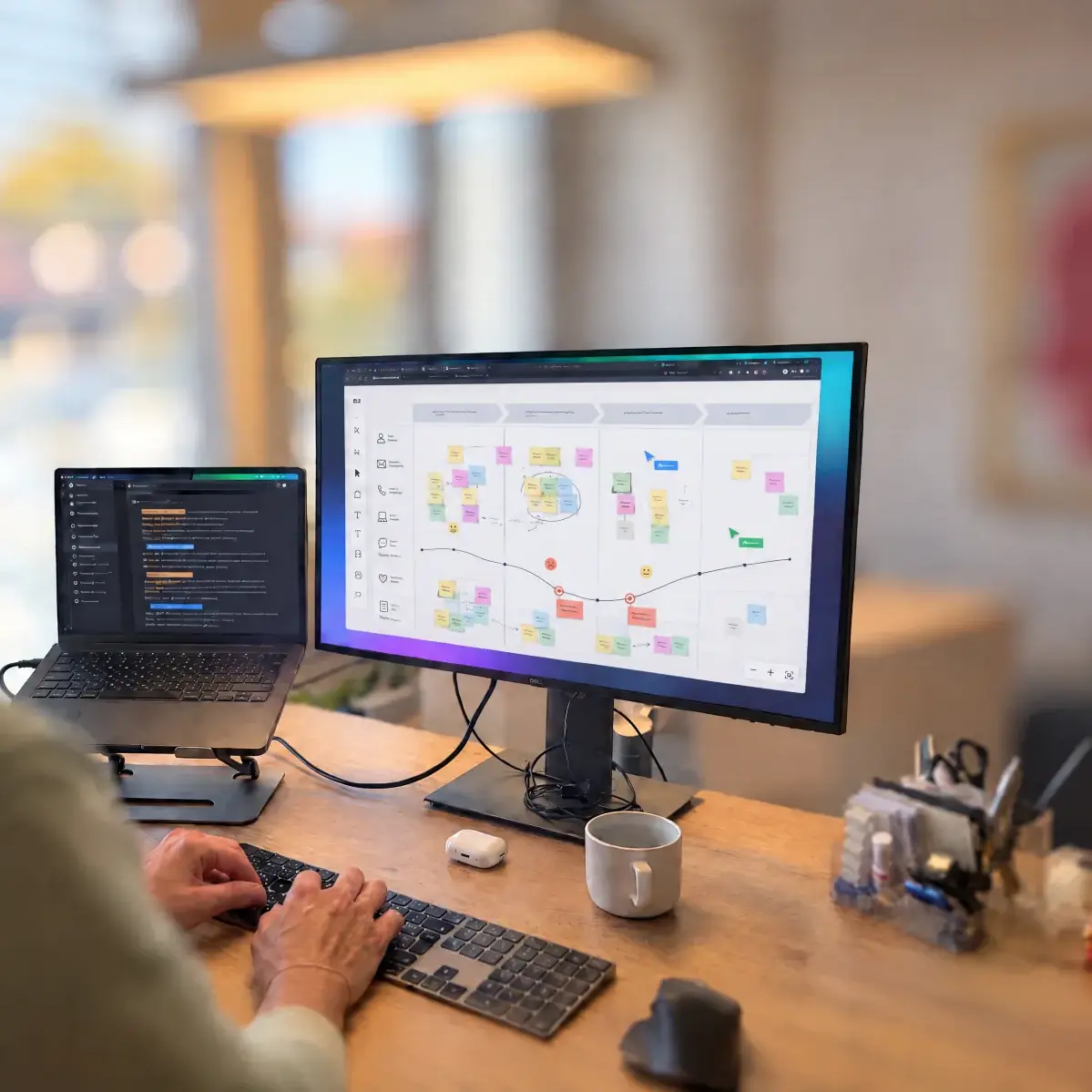
Mockups and prototypes are an integral part of our projects. Prototype development starts right after the first workshops. This lets us combine your ideas with our experience and settle early into a rhythm of draft, feedback and revision, while changes are still cheap.
Mockup or prototype?
A mockup is a digital model of a system or website. It shows structure, content and scope of functions in great detail, and that is precisely what sets it apart from a wireframe, which only outlines the rough structure of a page.
A prototype is a working model of the future system. It also serves as a demonstration, but is developed iteratively over the course of the project, all the way to the complete system.
Three levels of detail
Prototypes are usually divided into three fidelity levels:
- Low fidelity. Sketches on paper, very early in the project. Cheap, and changed or thrown away in minutes.
- Mid fidelity. Digital and clickable. Shows user flow and functionality; the brand identity plays no role yet.
- High fidelity. Looks like the finished application, is adapted to the corporate design and fully clickable. The basis for tests with real users.
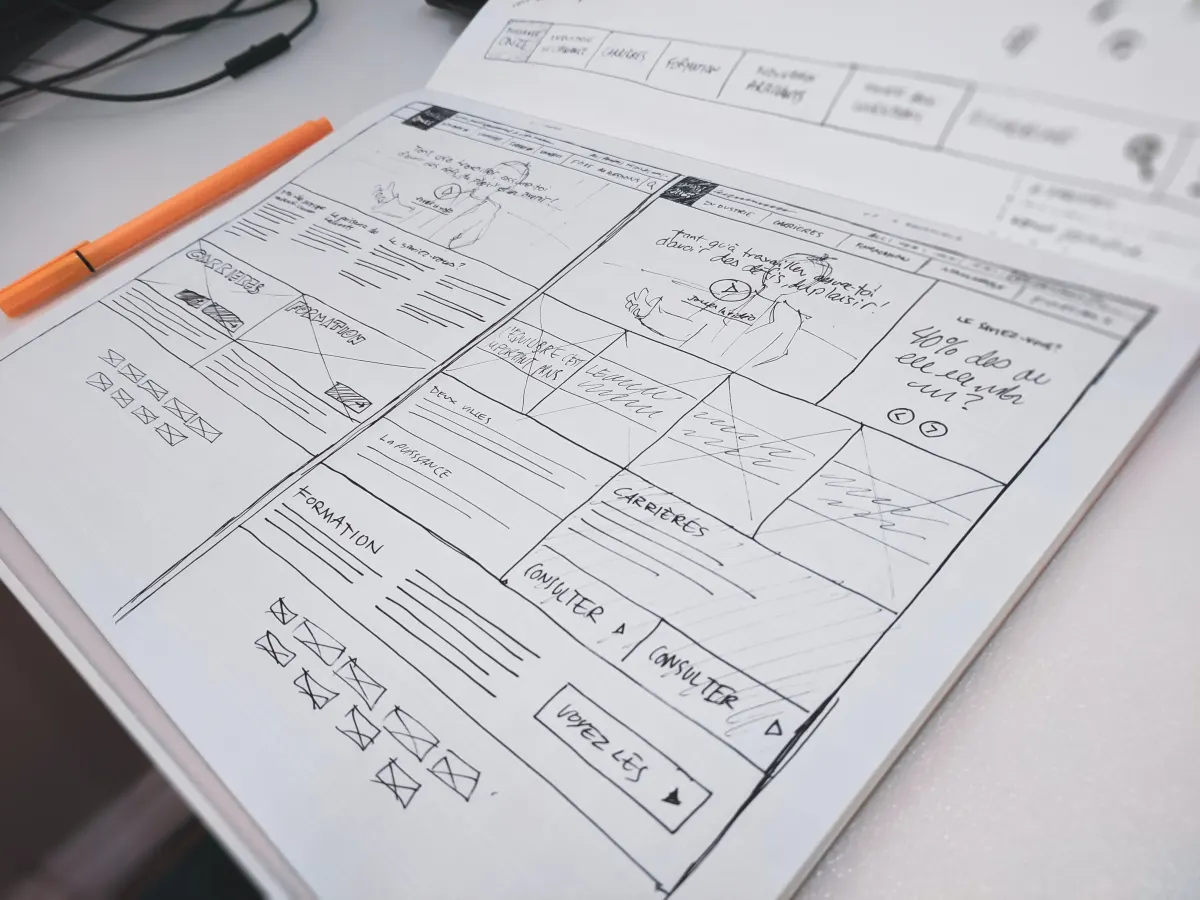
We mostly work between mid and high fidelity. Our mockups are worked out in detail at an early project stage and adapted to your corporate design. That way you judge what you will actually get, not a grey abstraction of it.
From style guide to approved design
Every project starts with an overview of colours, typography and the states of the most important elements. It follows your company’s corporate design, so that the finished system fits the brand and remains recognisable.
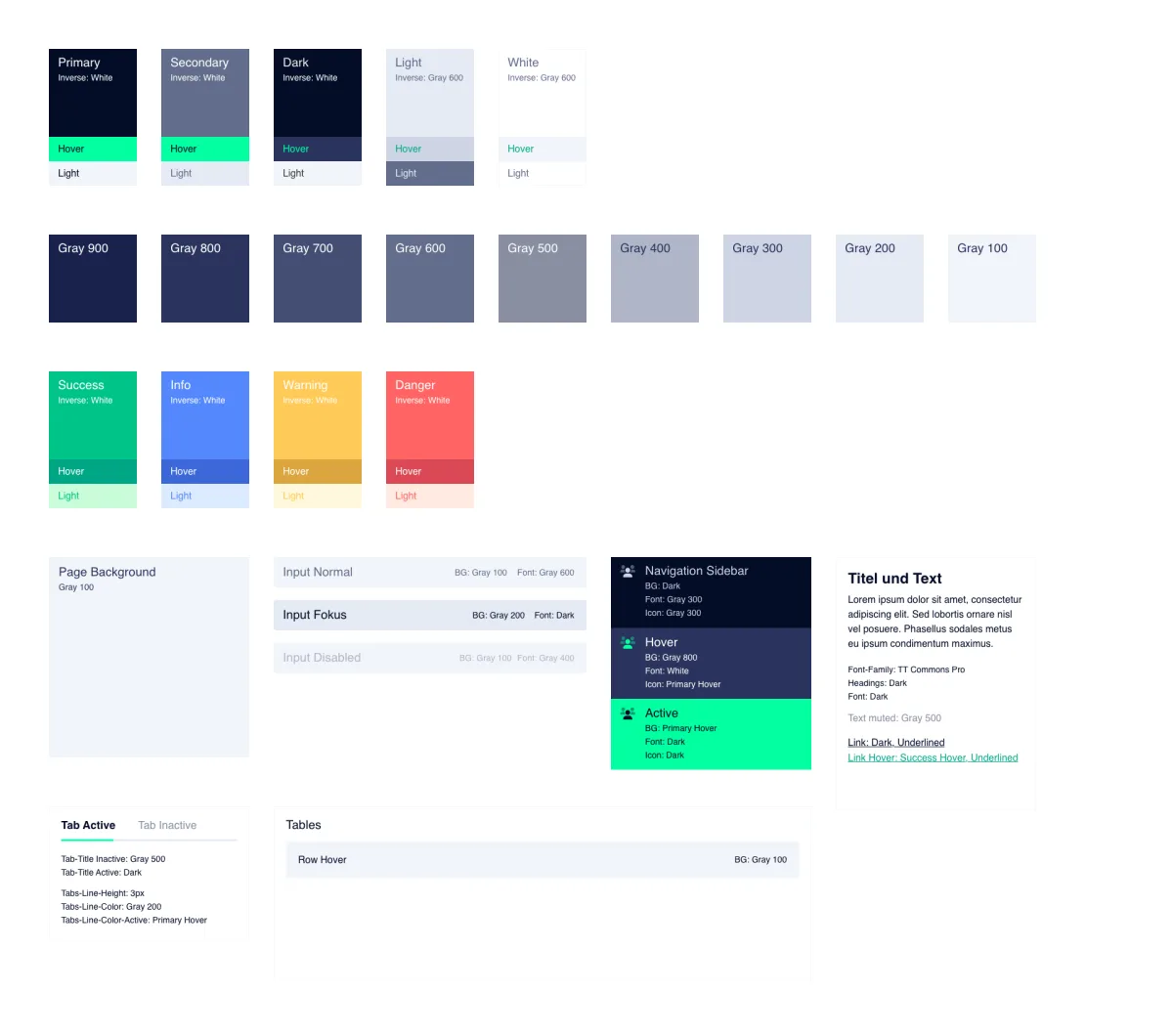
The first user interfaces are built on this basis. As soon as functions and elements are in place, we go through them together and refine them. Then elements are linked so that the user flow can be clicked through between the individual interfaces. Once all details have been incorporated, the mockup is used for sign-off. Only then does the project move into development.
We maintain recurring elements such as tables, charts, pagination, buttons and navigation in a library. If a new element is created that may also occur in other projects, it goes there. And if the same content appears on several pages of a mockup, we define it as a component: a change in one place is automatically applied to all the others. The time this saves goes into requirements analysis and into implementation.
What prototypes bring to a project
- They make complex matters visible early on, and therefore open to discussion.
- They can be adapted cheaply to new or changed requirements: a draft is quicker to rework than a finished application.
- They are the basis for deciding for or against a function, including towards stakeholders and funders.
- They allow individual functions to be tested with real users before the first line of code is written.
- They define the requirements so precisely that the subsequent development raises fewer questions.
By the end of this phase, you have seen what your platform looks like and how it is used, before any significant development budget is committed. That is the real purpose of the exercise.
 Written by
Urs Imhof
CXO / Senior UX Designer & Researcher