
Automation handles it
If the result is unambiguous, a fixed rule or an interface is enough: passing data on, matching values, monitoring deadlines. This needs neither AI nor approval; it just runs.
We look at a process with your team and classify every manual step. What is worth it, we build and then operate hand in hand with our platforms.
Illustration: documents go to the AI. It turns them into a suggestion that a person checks.
We break your process down into individual manual steps and assign each one to one of three levels. What counts is how much responsibility a step carries.
If the result is unambiguous, a fixed rule or an interface is enough: passing data on, matching values, monitoring deadlines. This needs neither AI nor approval; it just runs.

Where something has to be read, summarised or classified, the AI makes a draft. A person checks it and accepts, changes or discards it.

Anything that concerns people, money, health or the law is decided by a person. The AI prepares, but it does not conclude. Where this line runs, we define with you.
Delivery notes or prescriptions often arrive as a PDF, scan or mobile phone photo, and someone types in the details. That takes time, and mistakes are often only noticed once the work is already under way. At OPAN® the AI has been reading attached documents since summer 2026.
OPAN® is the platform for referrals to outpatient and inpatient aftercare organisations. The user uploads the document or pastes it from the clipboard, text PDFs just like photos.
Smart-Extrakt passes the document to the AI on our dedicated high-performance hardware including GPUs. For photos, the model first recognises the writing, then the meaning, and maps the details to the form fields.
This runs in the background while the user carries on working. The values appear in the form as a suggestion, and in the sidebar one click shows which part of the document a field comes from.
Every suggestion can be checked, accepted or discarded individually. Only what a person confirms goes into the form, and the log records what was accepted.
Screen recording from OPAN®.
It starts with tasks that keep recurring in your team. We begin with one of them and only expand once it works in everyday use. That way, after every step you know what it delivers and what the next one costs.
Free of charge and online, 30 to 60 minutes. You bring up to three tasks, ideally together with a person who works with them every day. Together we choose one.
Half a day, on site or on screen, quoted based on effort. We go through the task with the people who do it, map the data flow and assign every manual step to a level.
At first, a few people work with the solution and give us feedback. On request, we show a clickable prototype beforehand.
The data for a task is usually already somewhere: in the ERP, in the CRM, in a specialist application or in an Excel list. The stack fetches it via interfaces and brings it together. Permissions per role control who may see what.
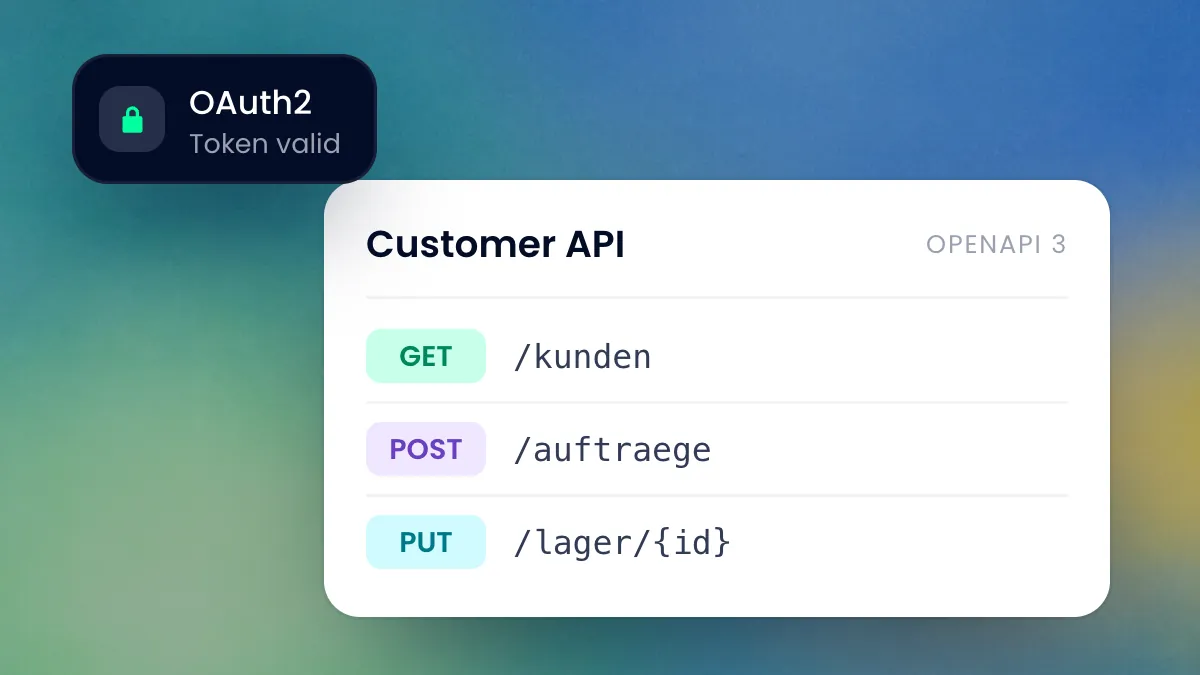
REST endpoints with OpenAPI documentation, secured with OAuth2. This is how we connect the systems in which your data lives today.
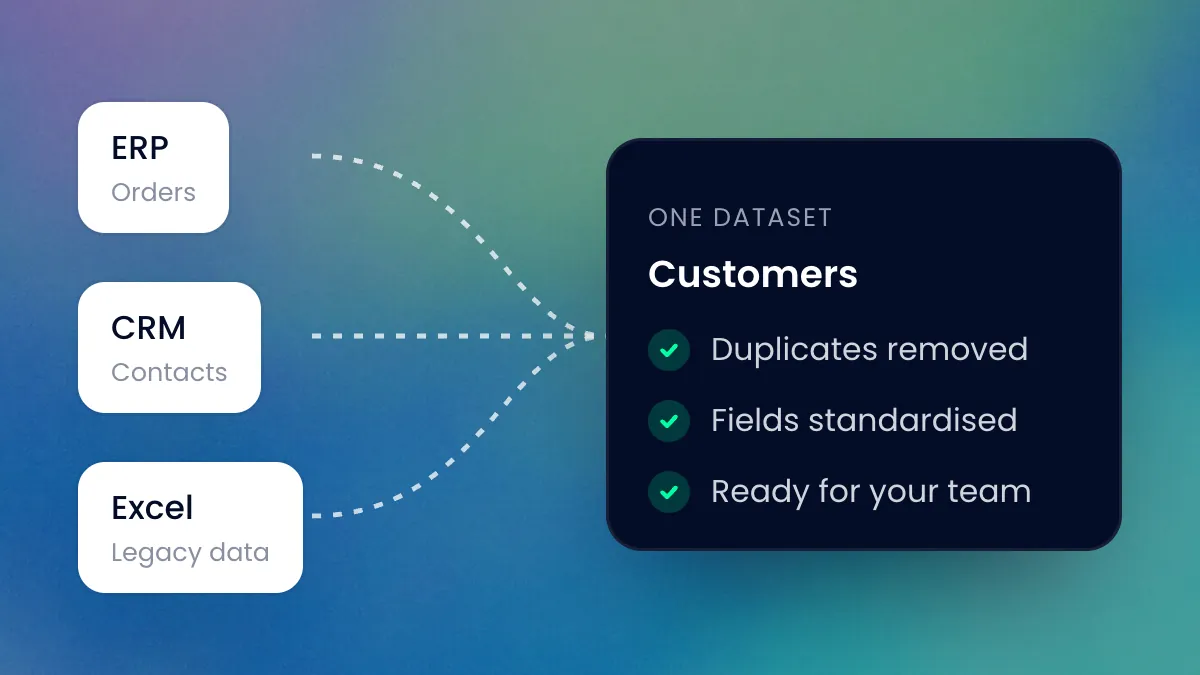
We clean data from several sources and bring it to where your team needs it. This is how the platforms of Swiss-Ski and the Swiss Hiking Trail Federation work.
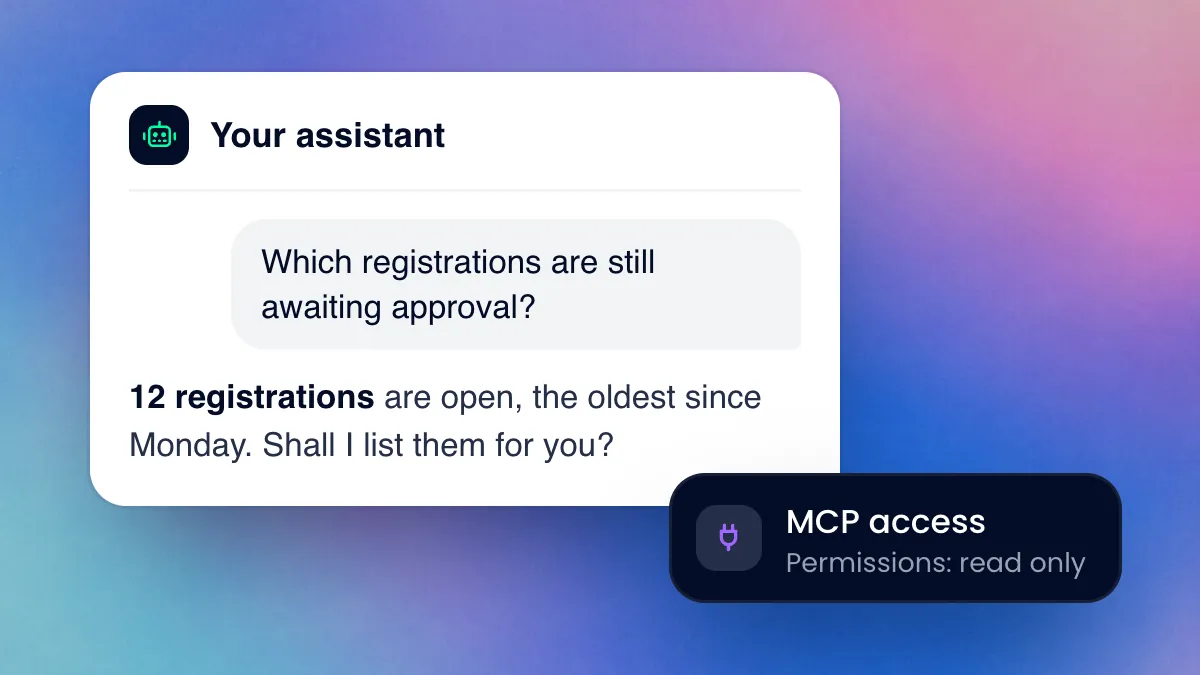
The stack and Stack CMS come with MCP access, the open standard for AI assistants. Through it, your assistant looks into content and data and carries out tasks, with exactly the permissions you give it.
We rely on open AI models so that the AI stays independent of individual providers and their terms. The market for them moves fast. We monitor it continuously, test new models and use them in your applications. We handle operations within the same ISO/IEC 27001 certified framework as for our platforms.
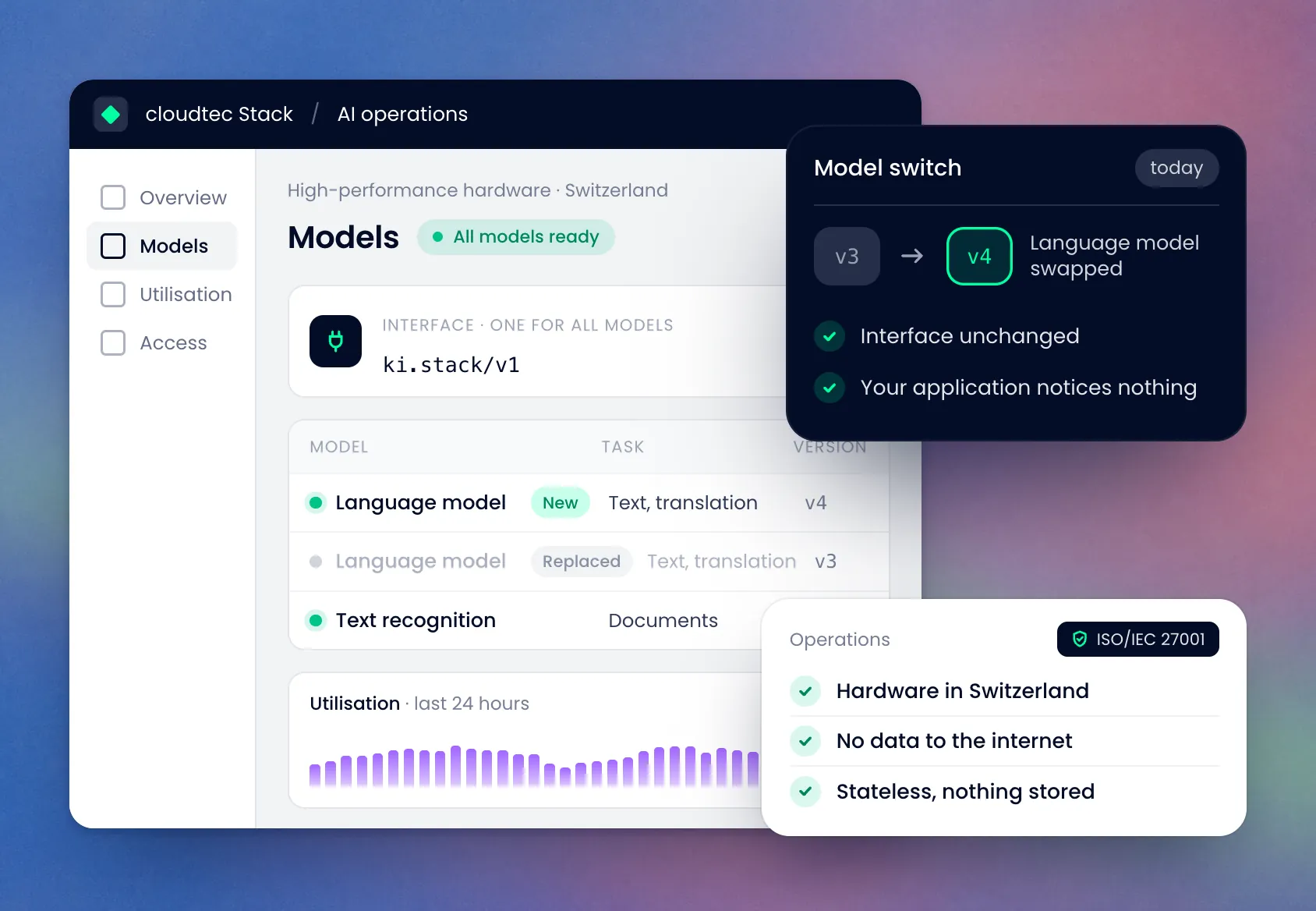
We build AI for tasks your team would like to hand over. It does what would otherwise be left undone. What follows from it is decided by a person.
The initial consultation is free of charge. We then quote you for the workshop on optimisation potential based on effort, so you know the price before you commit.
On dedicated high-performance hardware including GPUs in Switzerland, within the same ISO/IEC 27001 certified operations as our platforms. The hardware does not send any data to the internet of its own accord. If you connect an external assistant via MCP, the data it queries goes to that assistant’s provider.
No. We run open models and do not train them, neither with your data nor with any other data.
The models process requests without storing them. Data is stored only in the platform itself, according to its usual retention rules. With Smart-Extrakt, OPAN® records which details were accepted.
We decide that with you for each project. At OPAN® , for example, each organisation activates Smart-Extrakt itself. Anyone who does not use the feature fills in the form as before.
We settle this depending on the client and project, in the contract before implementation. This covers the code, the configuration and the instructions to the model.
Three platforms on which AI or an interface takes over manual steps today.
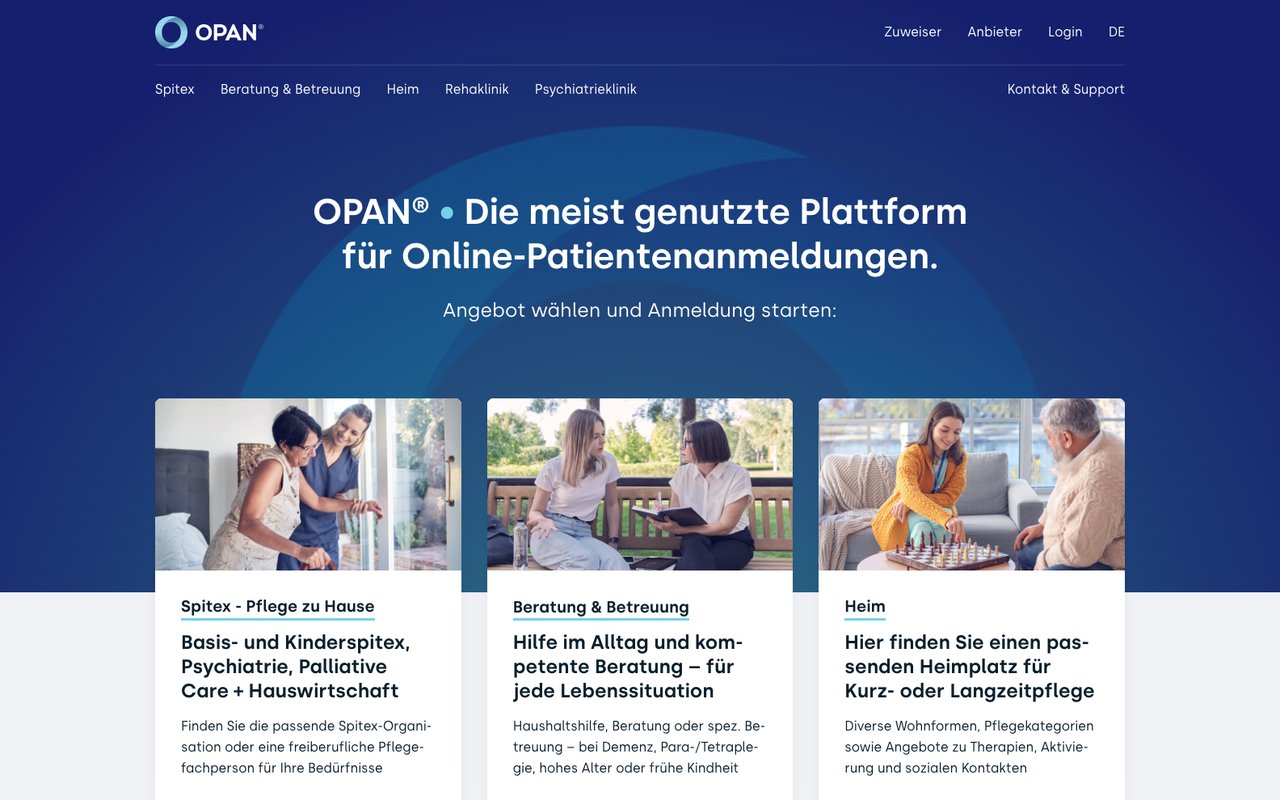
Smart-Extrakt reads details from prescriptions, reports and registrations. What a person confirms goes into the form.
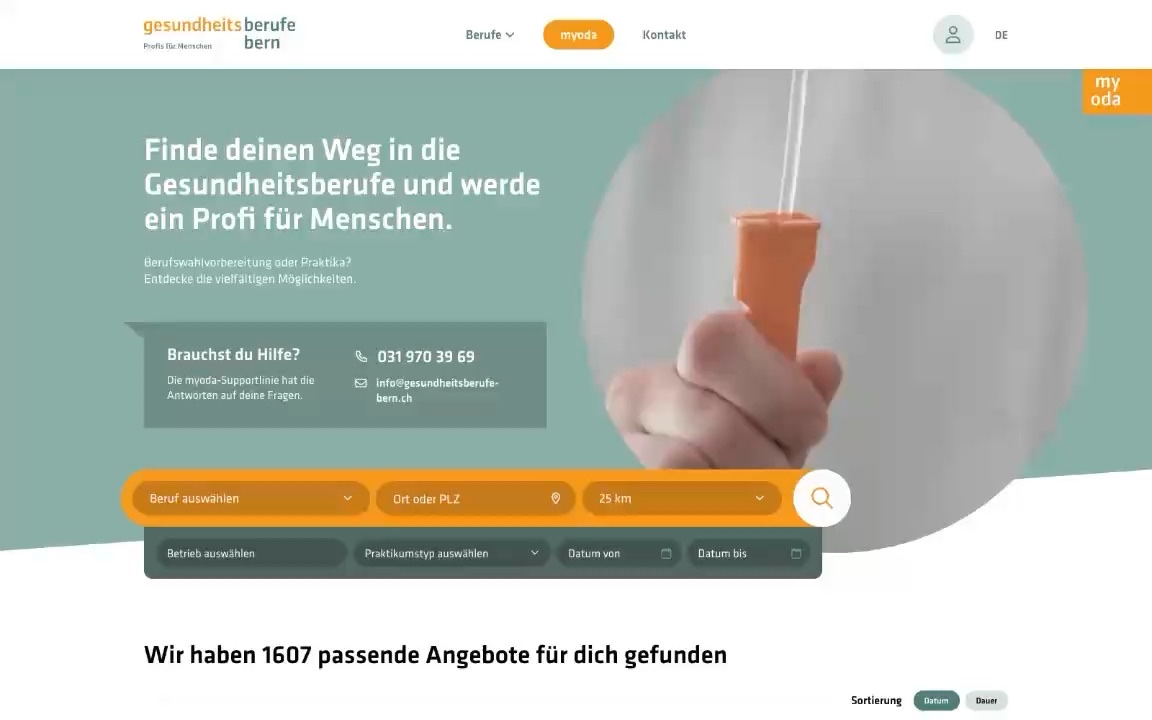
For cantonal reimbursement, an interface transmits the data automatically.
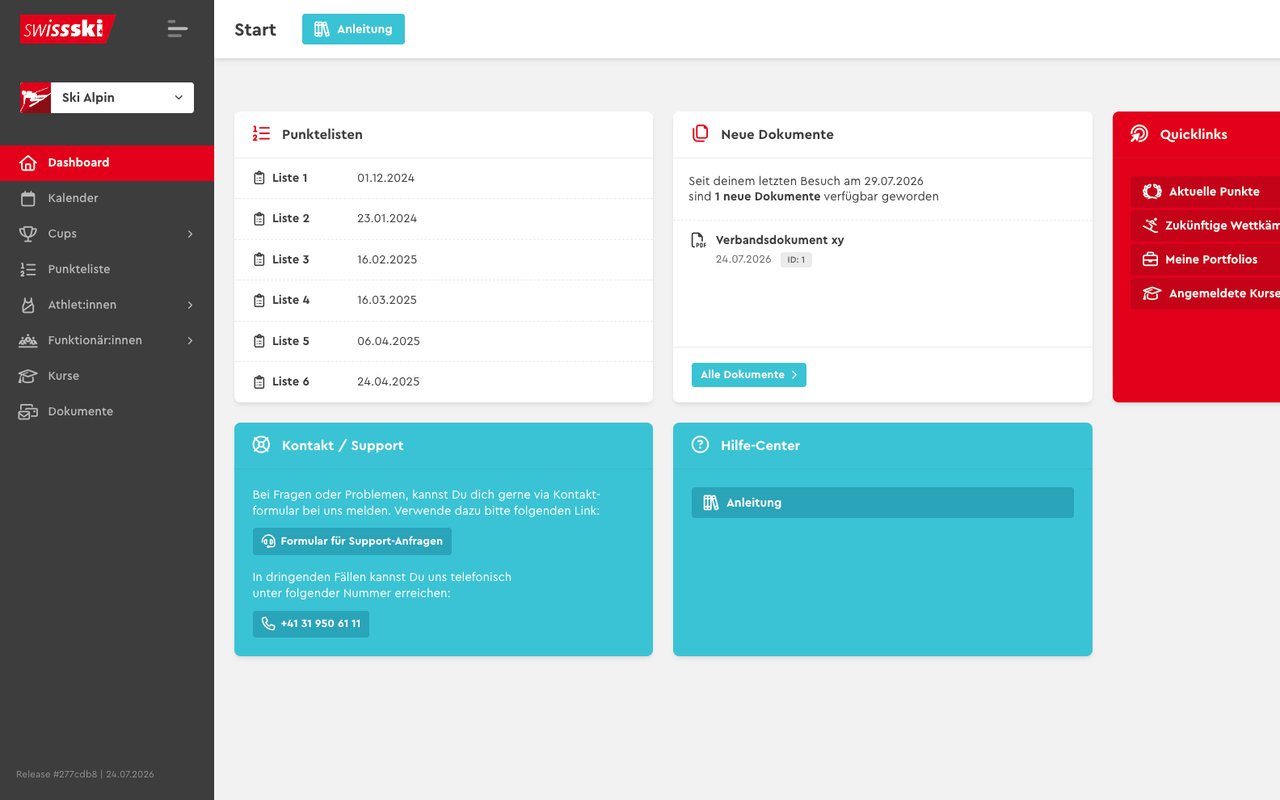
The platform calculates points and penalties and keeps five points lists per season.
Tell us what you need. We will be happy to look into it and arrange an appointment with you for the initial consultation.