Work where it happens: our Forge apps in Jira
Jira is where we develop our applications and organise our work. With Forge, Atlassian’s app platform, we build our own apps there that fit the way we work: from quote and project management through to invoicing.
Jira as the data foundation
Every order, every task and every hour booked is in Jira. Until now, we analysed this data with what Jira provides: filters, tables, dashboards and the built-in reports. Where that was not enough, we added apps from the Atlassian Marketplace. That works as long as a question is general enough that someone else has already answered it. For our own workflows, there was often a gap between what Jira showed and what we needed to make a decision.
What Forge does differently
Forge apps run inside Jira. They read and write the same issues and fields the team works with. Jira therefore remains our data store. What is new is that we can build our own views on top of it for individual use cases. An app appears as a page of its own in Jira, as a panel in an issue or in the customer portal, depending on where it is needed.
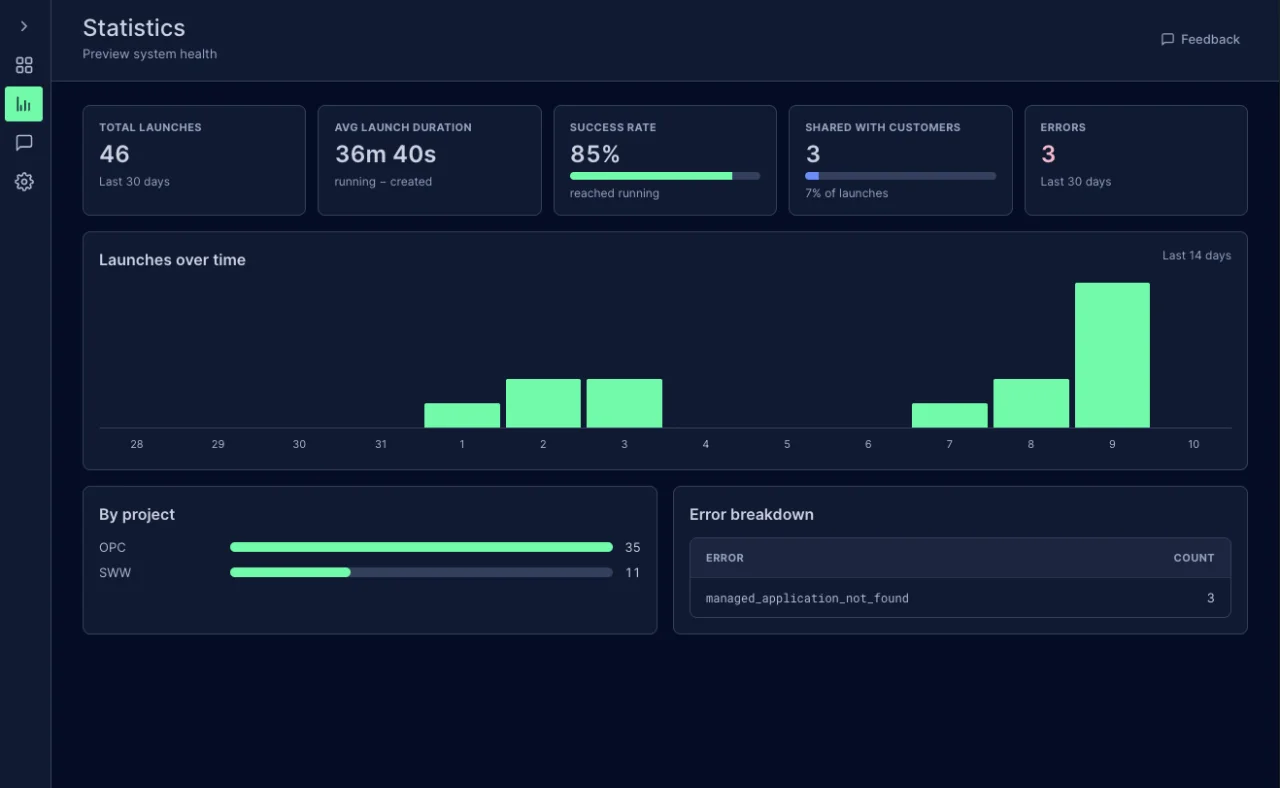
Forge sets a clear framework for this: where an app may hook in, which data it may read and write and which external services it may talk to. Within this framework, design and operation are free. On top of it we have laid our own foundation, our Forge Stack. It brings a shared design so that all apps feel the same, a feedback module in every app and automated tests that run through entire workflows against a simulated Jira before a version goes live.
What we have built with it
Quotes that clients accept online. In the Sales Center, we create quotes in versions until they fit. Clients open them on a dedicated quote page with a code and PIN and accept them there directly. Once the order is confirmed, the app creates the order in Jira and in Bexio, our accounting software. Budget and expected revenue are already filled in.
Invoicing with built-in checks. In the Invoicing Center, project management checks the hours booked before an invoice is created. Incorrectly booked hours can be moved directly to the right order, and a controlling run with 20 checks covers all orders. A language model suggests the invoice title and summary. Once the finance department has approved it, the app creates the invoice as a draft in Bexio.
Projects through gates, from start to finish. In the Project Center, every project goes through the same process with five gates, that is, checkpoints between the phases, from project start to final report. Every week, project management records the state of schedule, budget, scope and client sentiment. The app writes this assessment back to the order as the project status.
Reports on the same data. Because all apps write to the same Jira issues, the reports calculate with the figures the team works with. The Project Center shows all ongoing projects by priority and status and files the report for the executive board as a Confluence page. The Financial Center shows management revenue and forecast, profitability per client and running costs.
Jira extended, not replaced
Forge does not replace Jira; it extends Jira with what our workflows need. The data stays where it is created, and the apps work directly on it. In the long run, that means better quality for us: we see the work where it happens, and the process supports every step instead of someone piecing it together afterwards.
 Written by
Christian Knellwolf
CEO